

How to Choose Privacy Tools That Actually Work
Disclaimer: The following text was generated with support from a generative artificial intelligence tool (Qwen3.5 397B A17B) and has been checked by the second author, Tobias Dehling, for validity of claims made and congruence with the original research paper.
The Problem
You've downloaded a privacy app. Maybe it was an encrypted messaging tool. Or a password manager. Or a browser that blocks trackers.
Three months later? It's sitting unused on your phone.
New research from Germany's technical universities explains why this happens—and how to choose tools you'll actually keep using.
What the Study Found
Researchers interviewed 42 everyday internet users about their privacy habits. They wanted to understand one thing:
"How do people actually choose and use privacy tools in real life?"
The answers challenge what most tech companies tell us about privacy.
The Main Finding
Privacy tools don't fail because people don't care.
They fail because they block the things people need to do every day.
One participant put it this way:
"If you don't want to leave any traces, you shouldn't do anything on the internet. But this is also unworldly." — Study Participant
In other words: Perfect privacy isn't realistic. Practical privacy is.
The Three Questions Every Privacy Tool Must Pass
Before you download any privacy app, ask these three questions:
┌─────────────────────────────────────────────┐
│              THE PRIVACY TOOL TEST          │
├─────────────────────────────────────────────┤
│  1. Does it actually protect me?            │
│  2. Is it easy enough to use daily?         │
│  3. Can I still do what I need to do?       │
└─────────────────────────────────────────────┘
If the answer to ANY of these is "no"—you will likely abandon it.
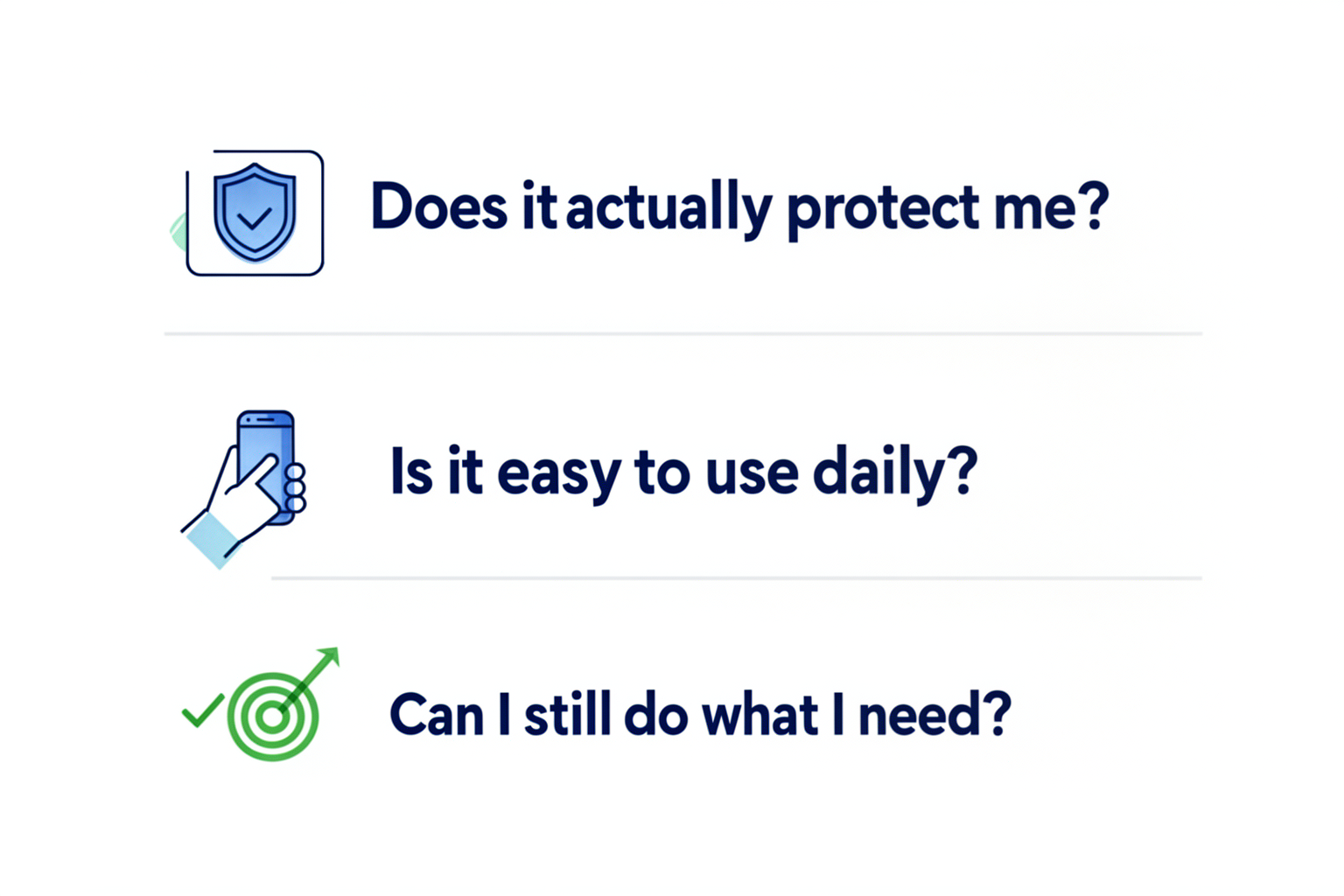
Figure 1: The three questions every privacy tool must pass.
The Three Criteria for Privacy Tools That Work
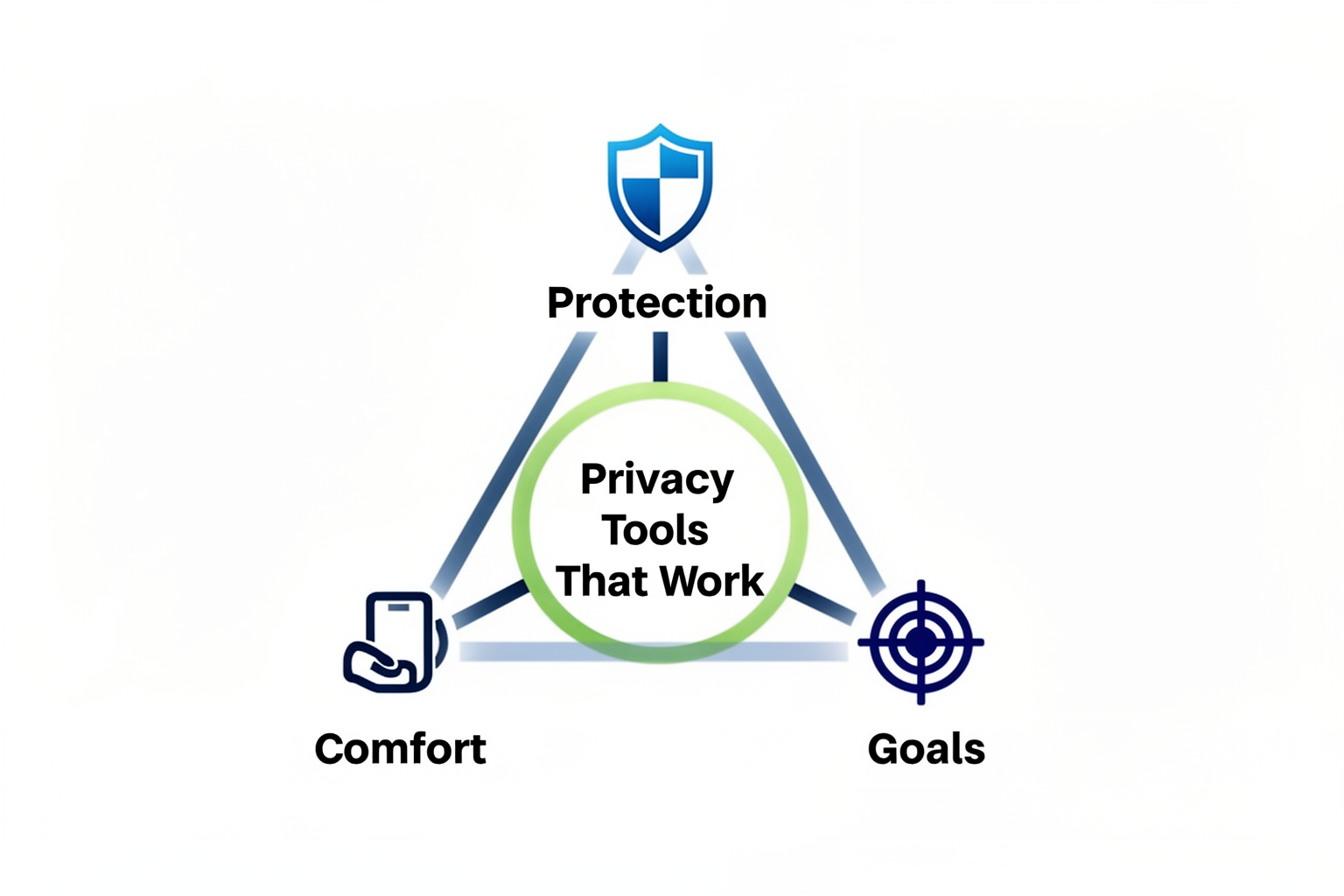
Figure 2: Privacy tools must balance all three criteria: Protection, Comfort, and Goals.
Question 1: Does It Actually Protect Me?
Most privacy tools make vague promises like "We protect your privacy."
That's not helpful. You need specifics.
| Vague Claim | Specific Claim |
|---|---|
| "Secure messaging" | "Only you and the recipient can read messages" |
| "Private browsing" | "Blocks advertisers from tracking your visits" |
| "Protects your data" | "Prevents identity theft from data breaches" |
What to look for: Tools that name the specific harm they prevent.
Red flag: Tools that only say "privacy" without explaining what threats they stop.
Question 2: Is It Easy Enough to Use Daily?
Comfort matters more than most people admit.
One study participant switched from WhatsApp to Telegram for better privacy. But there was a problem:
"Unfortunately, Telegram is not encrypted by default. It would have been pleasant for others too, so I thought it would be easier to persuade others. Unfortunately, it didn't work out that way." — Study Participant
The lesson: If a tool requires too much effort to learn or use, you won't stick with it—even if it's more secure.
What to look for:
- Simple setup (under 10 minutes)
- Familiar interface (doesn't require relearning everything)
- Works across your devices (phone, computer, tablet)
Question 3: Can I Still Do What I Need to Do?
This is where most privacy tools fail.
Another participant explained:
"Unfortunately, you still can't do without WhatsApp." — Study Participant
Why? Because their friends and family still used WhatsApp. A private messaging app doesn't work if no one you know uses it.
What to look for:
- Your contacts already use it (or will switch)
- Doesn't break websites or apps you rely on
- Works for your specific needs (work, family, banking, etc.)
The Reality: Most People Use a Mix
Here's what the study found: Almost no one uses privacy tools for everything.
Instead, people create their own system:
| Activity | Privacy Level | Example |
|---|---|---|
| Banking | High | Dedicated secure app |
| Family chat | Medium | Popular app with some settings |
| Social media | Low | Mainstream platforms |
This is normal. You don't need perfect privacy everywhere. You need smart privacy where it matters most.
Your Action Plan: How to Choose
Follow these steps before downloading any privacy tool:
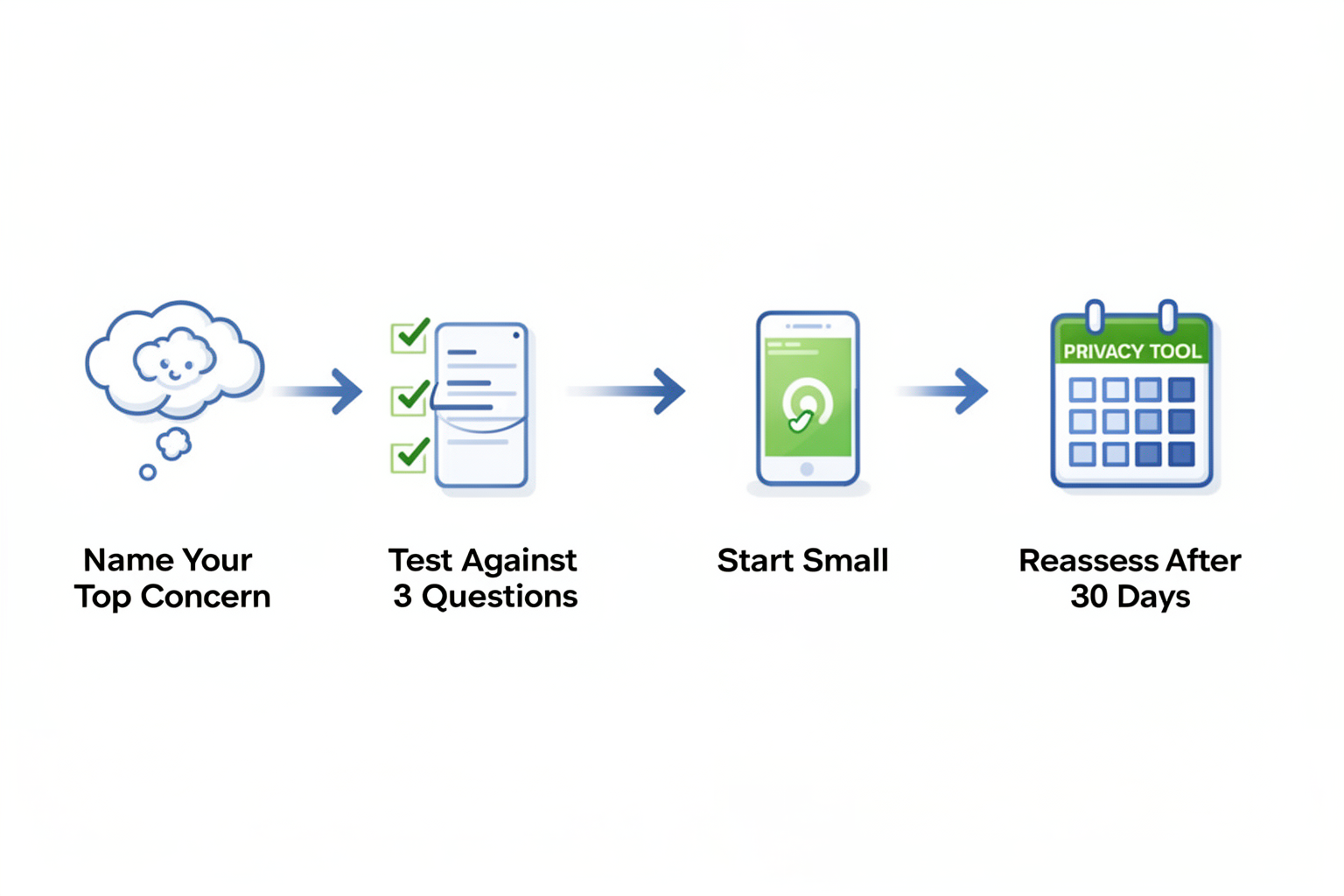
Figure 3: Four-step action plan for choosing privacy tools.
Step 1: Name Your Top Concern
What keeps you up at night?
- Identity theft?
- Price discrimination (higher prices based on your data)?
- Someone reading your messages?
Pick ONE. Start there.
Step 2: Test Against All Three Questions
Use the checklist above. If it fails any question, keep looking.
Step 3: Start Small
Don't try to change everything at once. Pick one tool and master it before adding more.
Step 4: Reassess After 30 Days
Ask yourself:
- Am I still using it?
- Did it cause no serious problems?
- Do I feel more protected?
If yes to all three—keep it. If not, try something else.
What This Study Doesn't Tell You
| Limitation | What It Means |
|---|---|
| 42 participants | Smaller than survey studies, but deep insights |
| Internet-savvy users | May not represent everyone (but shows what informed users do) |
| Self-reported behavior | People describe what they do (not always what they actually do) |
Bottom line: This research shows patterns from real users—not lab experiments.
The Bottom Line
The best privacy tool is the one you actually use—not the one with the most features.
Focus on tools that:
- Protect against specific threats you care about
- Fit comfortably into your daily routine
- Let you achieve your goals (communicate, work, browse)
Perfect privacy doesn't exist. Practical protection does.
Want to Learn More?
Full Research Paper:
"PETs in Context: An Exploration of Privacy-Enhancing Technologies for Everyday Internet Use"
Authors: Philipp Danylak, Tobias Dehling, Ali Sunyaev
Institutions: Technical University of Munich, Karlsruhe Institute of Technology
Conference: ECIS 2026, Milan, Italy
This post summarizes peer-reviewed research using science communication principles: accurate, accessible, and actionable.
Not personal or legal advice. For specific privacy concerns, consult a cybersecurity professional.